Thing info
Thing details (various detailed information about the Thing) will be listed below: device credentials, connection profiles and Thing connection permissions management
The details page lists Thing details, Thing device type, Thing type, and device credentials
Thing details list the Thing name, description, creation time, REST API endpoint (local), REST API endpoint (myQNAPcloud), and MQTT Topic.
Device credentials can be used to manage SSL certificate keys.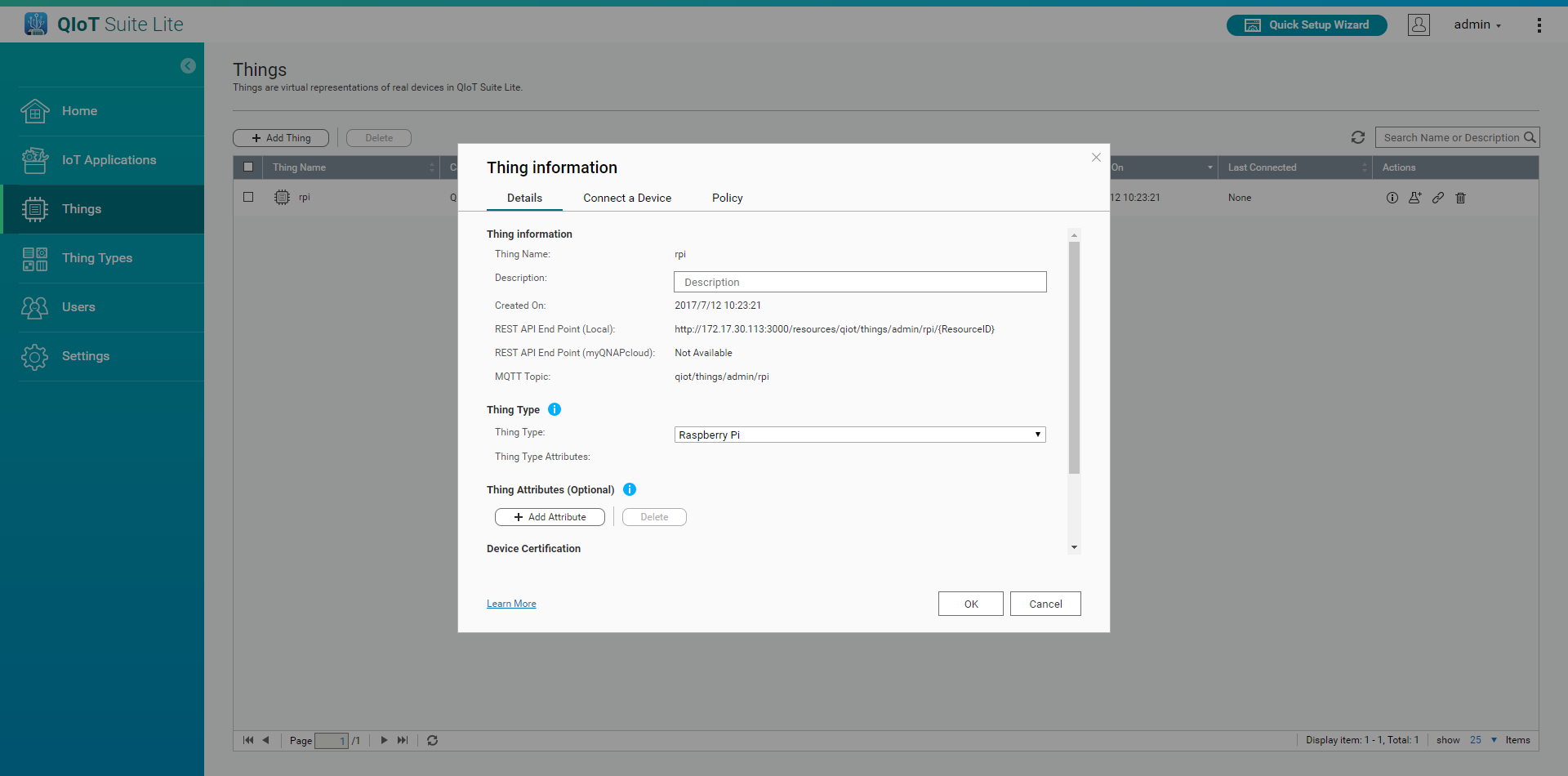
The device connection page generates the connection file (resourceinfo.json) for each communication protocol. MQTTS will additionally generate the SSL certificate key. The file generated here (resourceinfo.json, MQTTS requires additional SSL certificate key) must be placed in the device(if using the Sample Code, please put in resourceinfo.json -> res /, SSL certificate key -> ssl /), and use these profiles to communicate with QIoT.
The three generated files must be downloaded.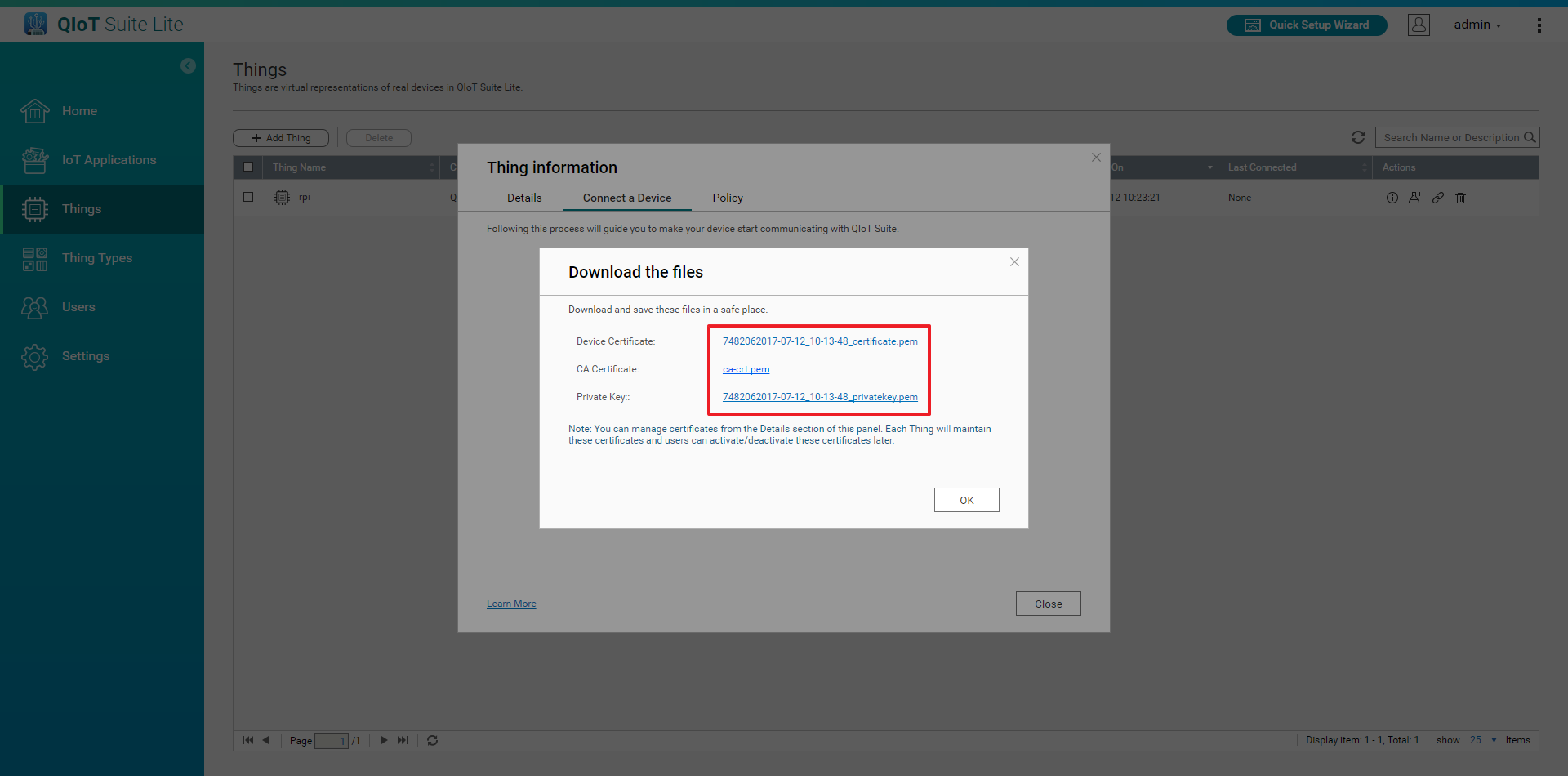
Click Download JSON file to download the connection file (resourceinfo.json) .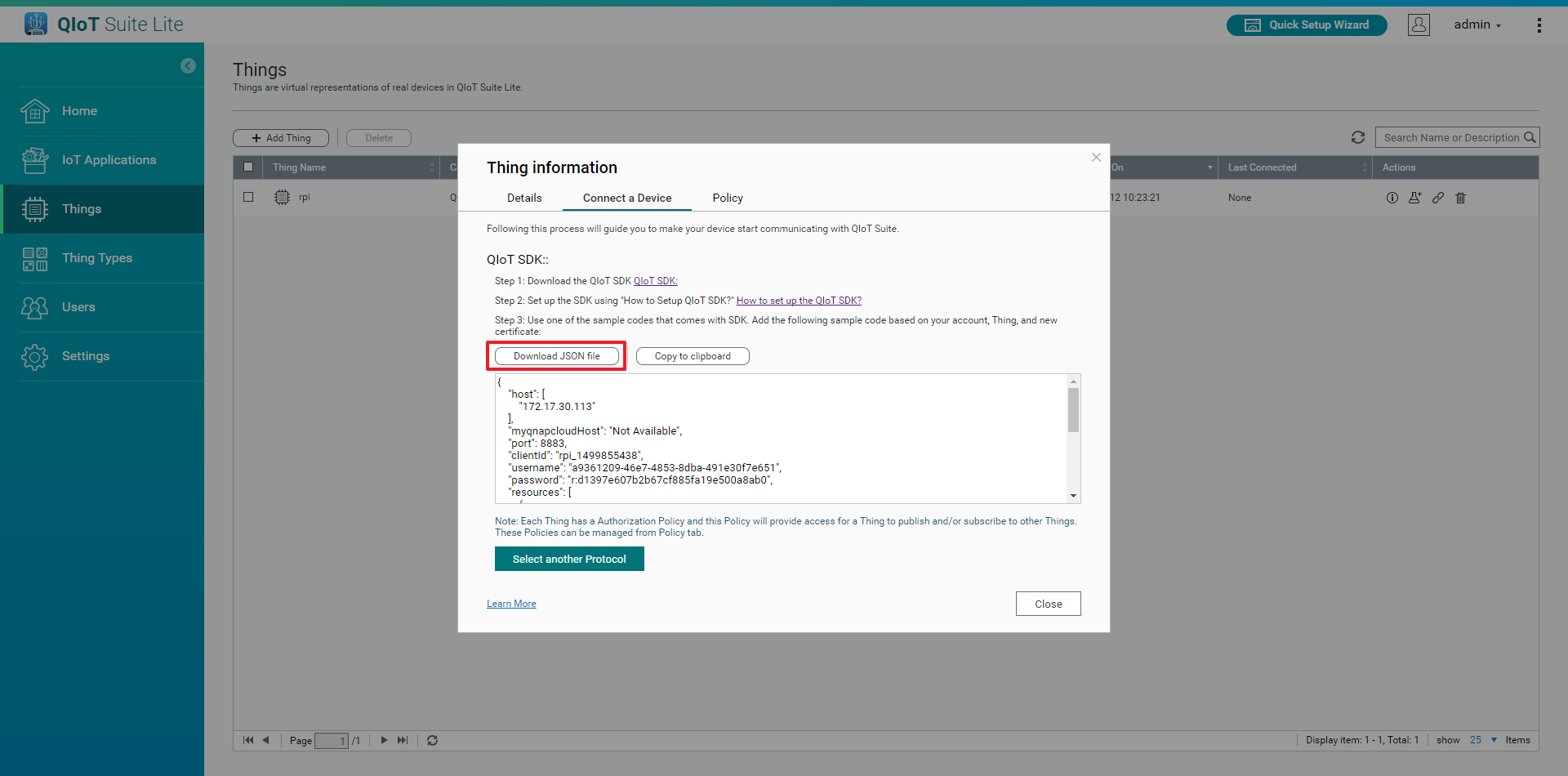
The rule page is where QIoT Suite defines the authorization level of the Thing (the Thing's access to all other devices and topics for the same user). Users can control access to the device by rule. Rule is closely related to the Thing, and is automatically created with the device credentials.
After the rule is created, control will be selected by default. In other words, the Thing subject to the rule will have complete permissions control when publishing and subscribing to all other devices and topics of the user. If the user only grants certain permissions to certain devices, the user can choose [Selective control] and configure the desired settings.