How to init Dashboard
Users can choose to import data from the Rule Engine "QBroker" node.
There are two methods to use QBroker: Importing data from thing resource or importing data from the rule engine:
Method 1: Importing data from a thing resource
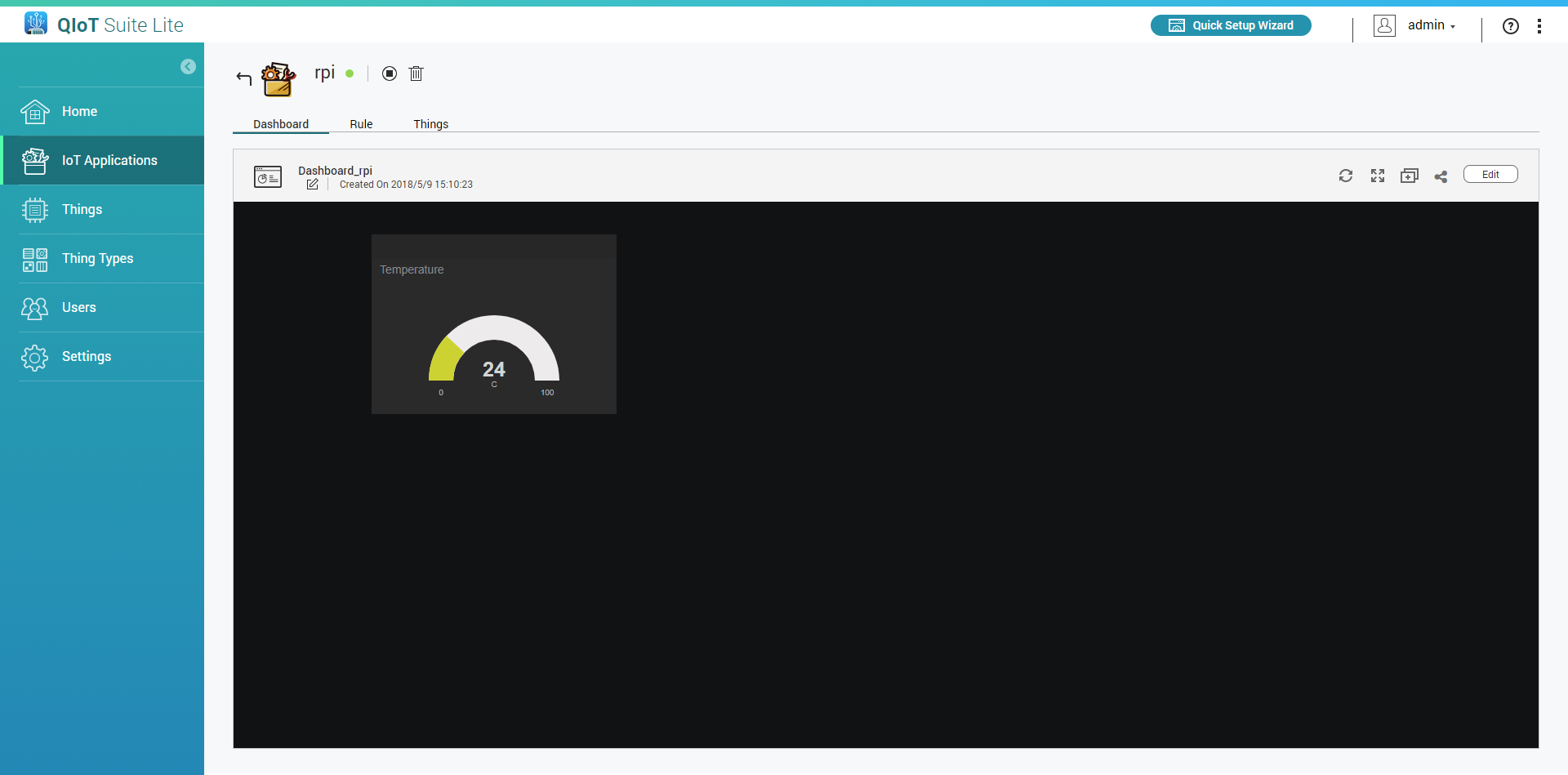
- Go to the Dashboard
Click "Edit"
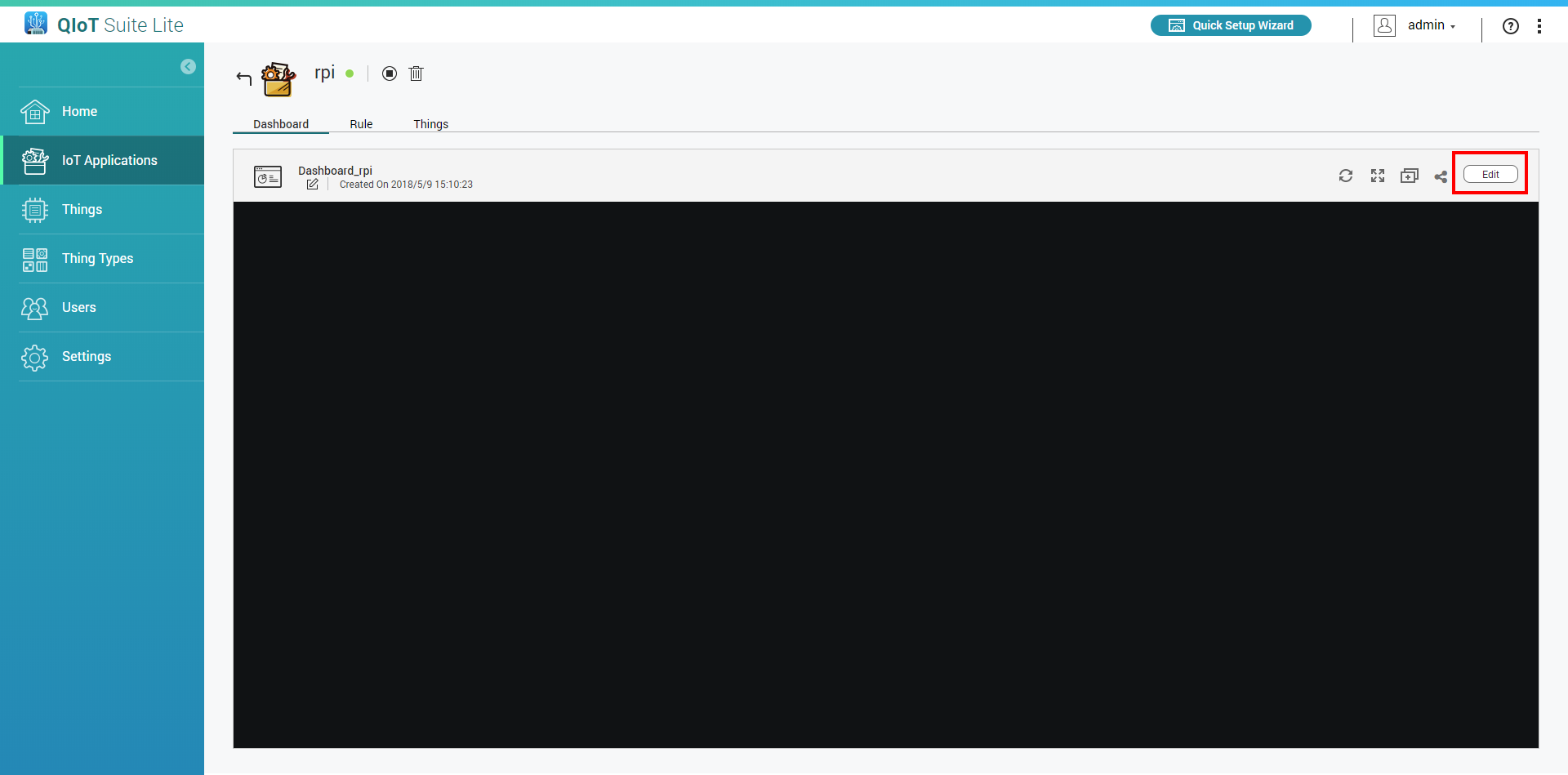
Add a new pane
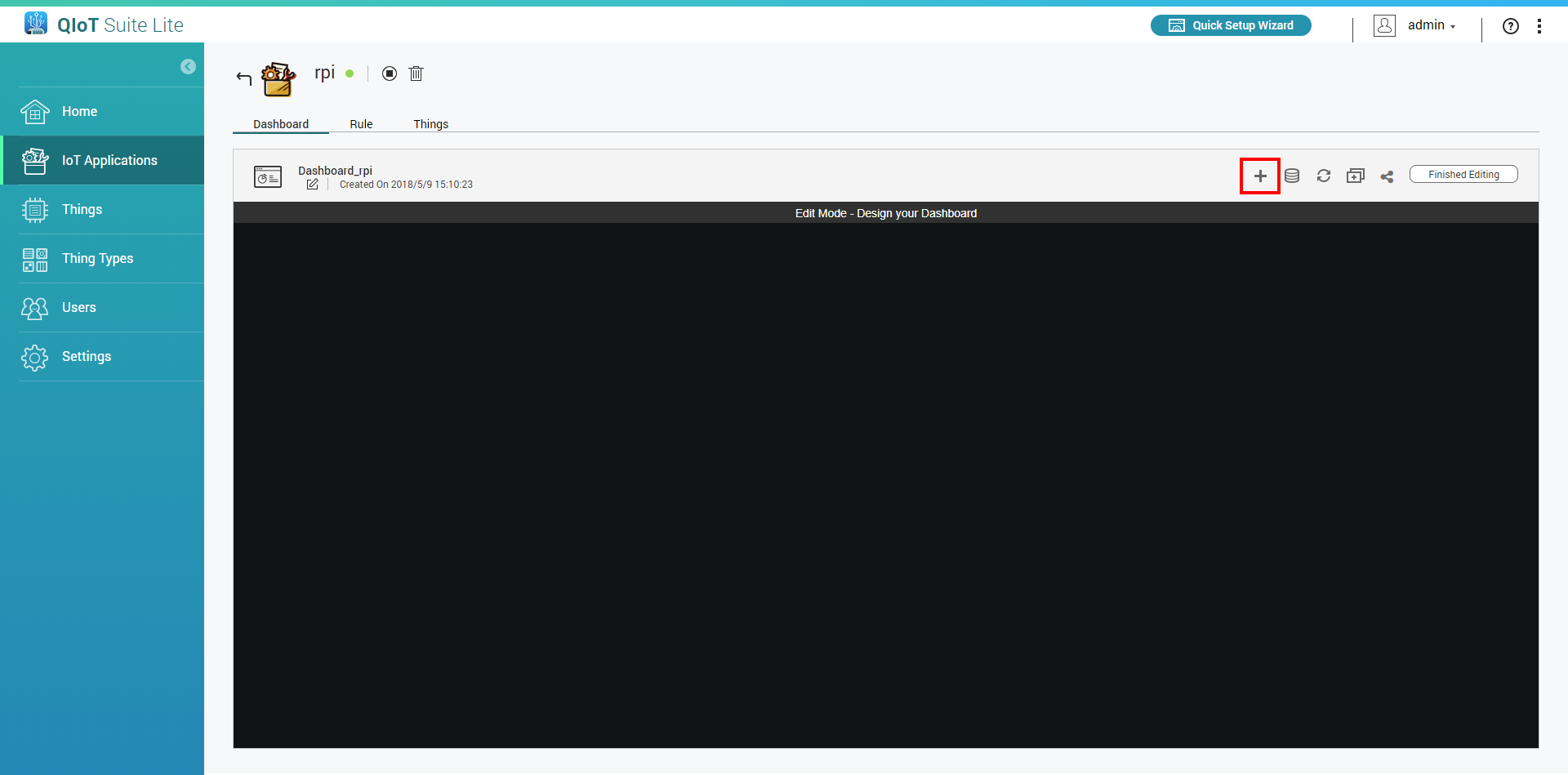
Click
 and select the widget type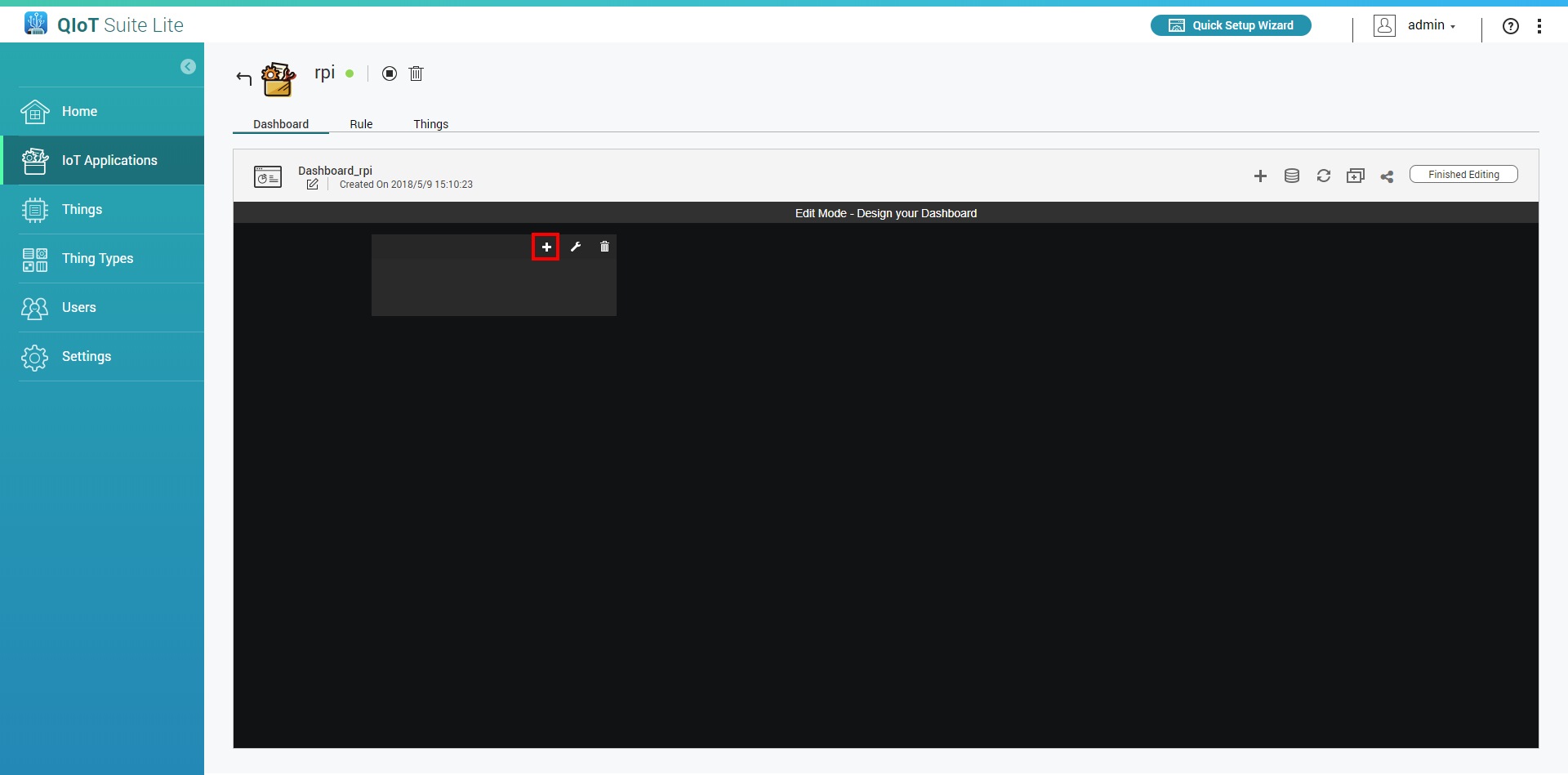
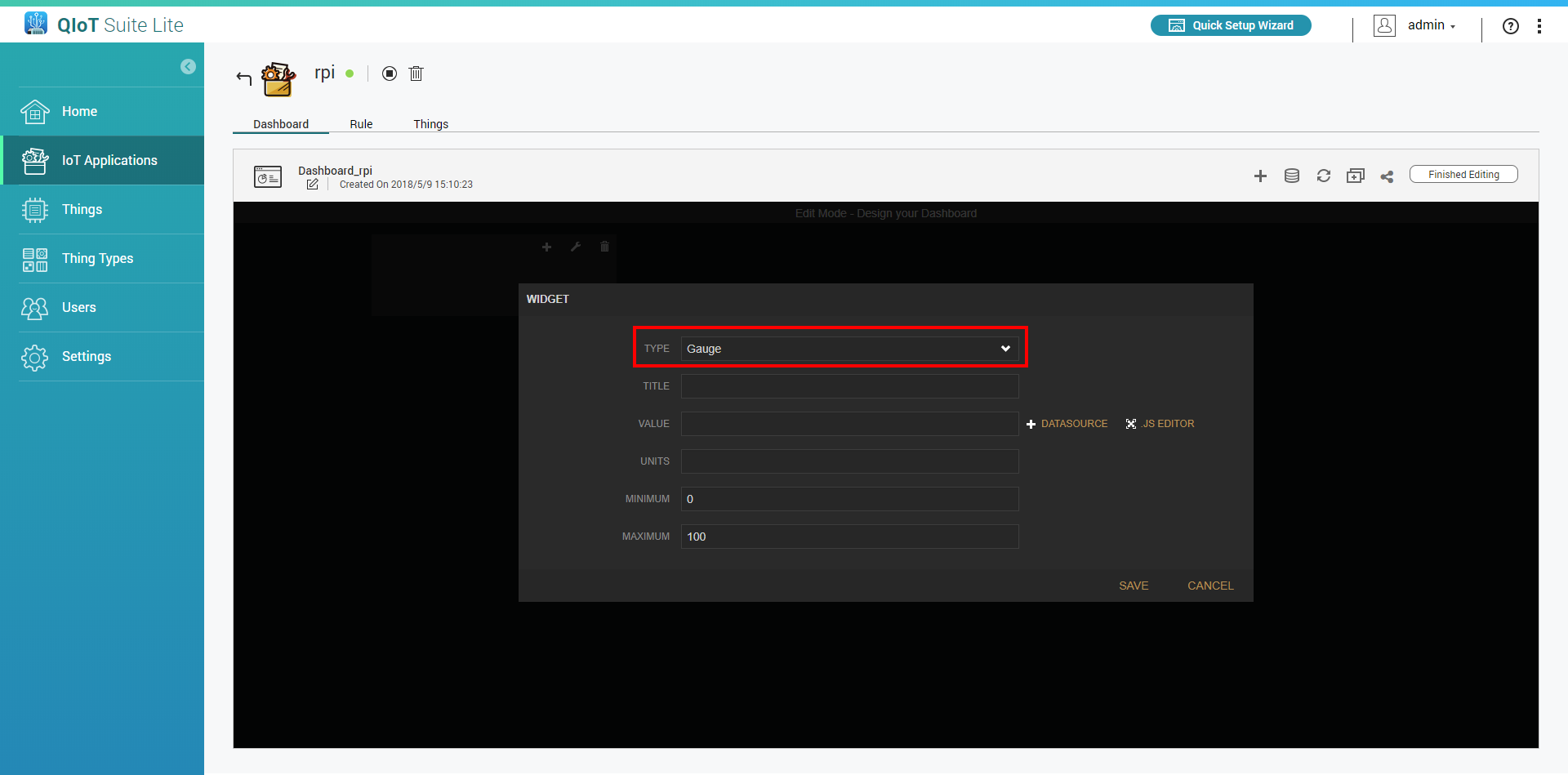
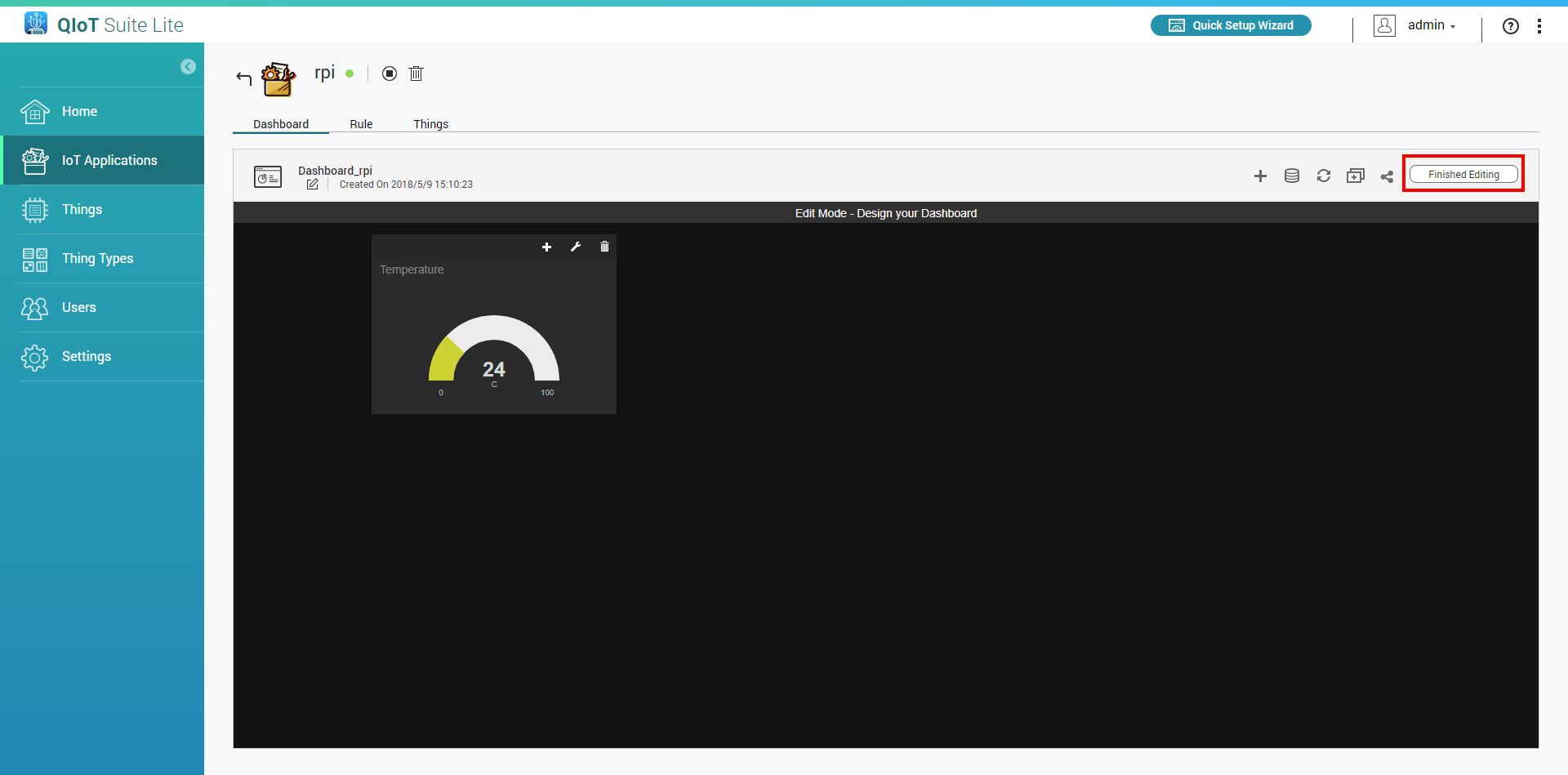
Enter information. In "Value" choose your thing resource (e.g., qiotsupported_<resource_name>)
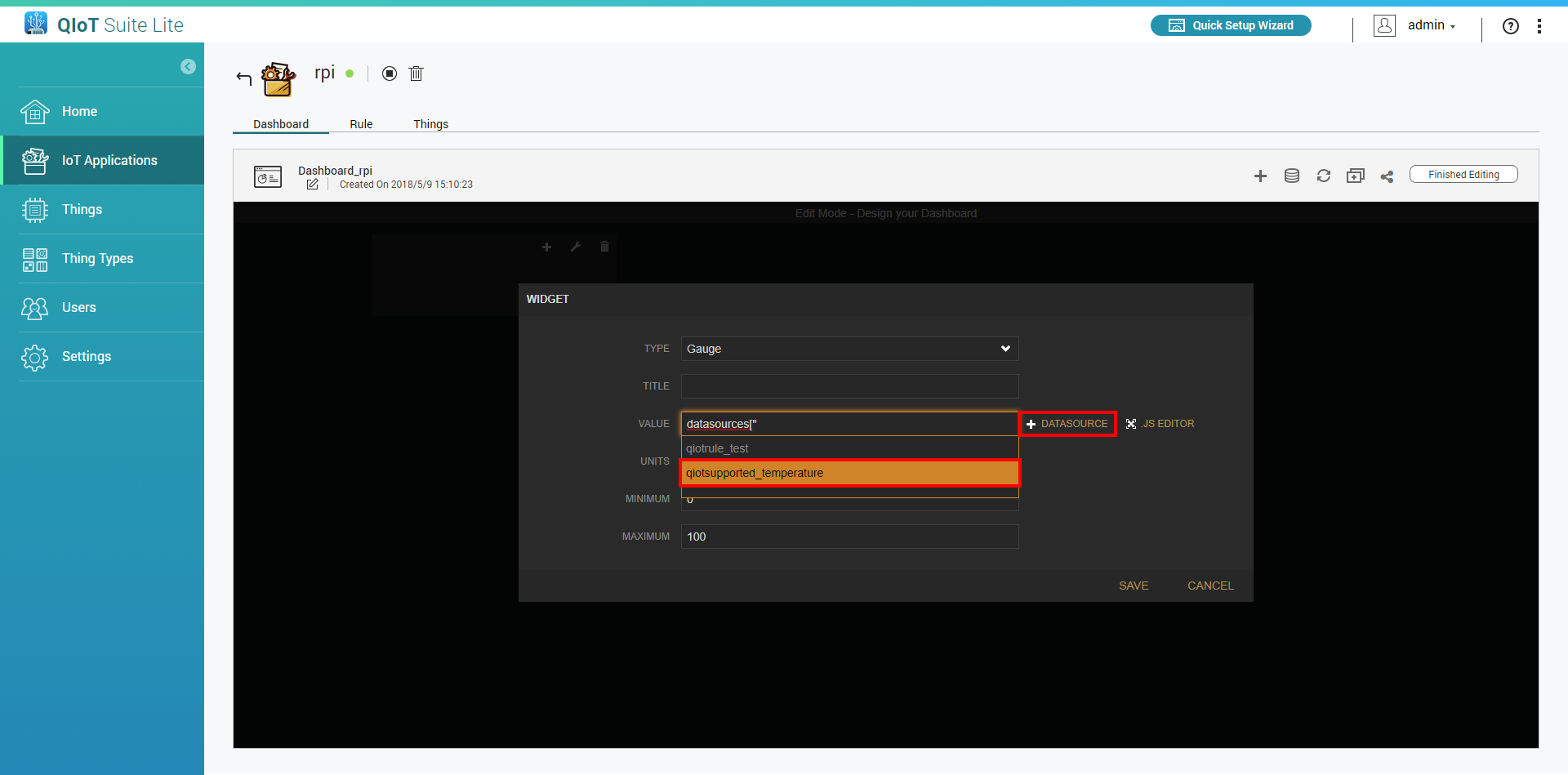
Click "Save"
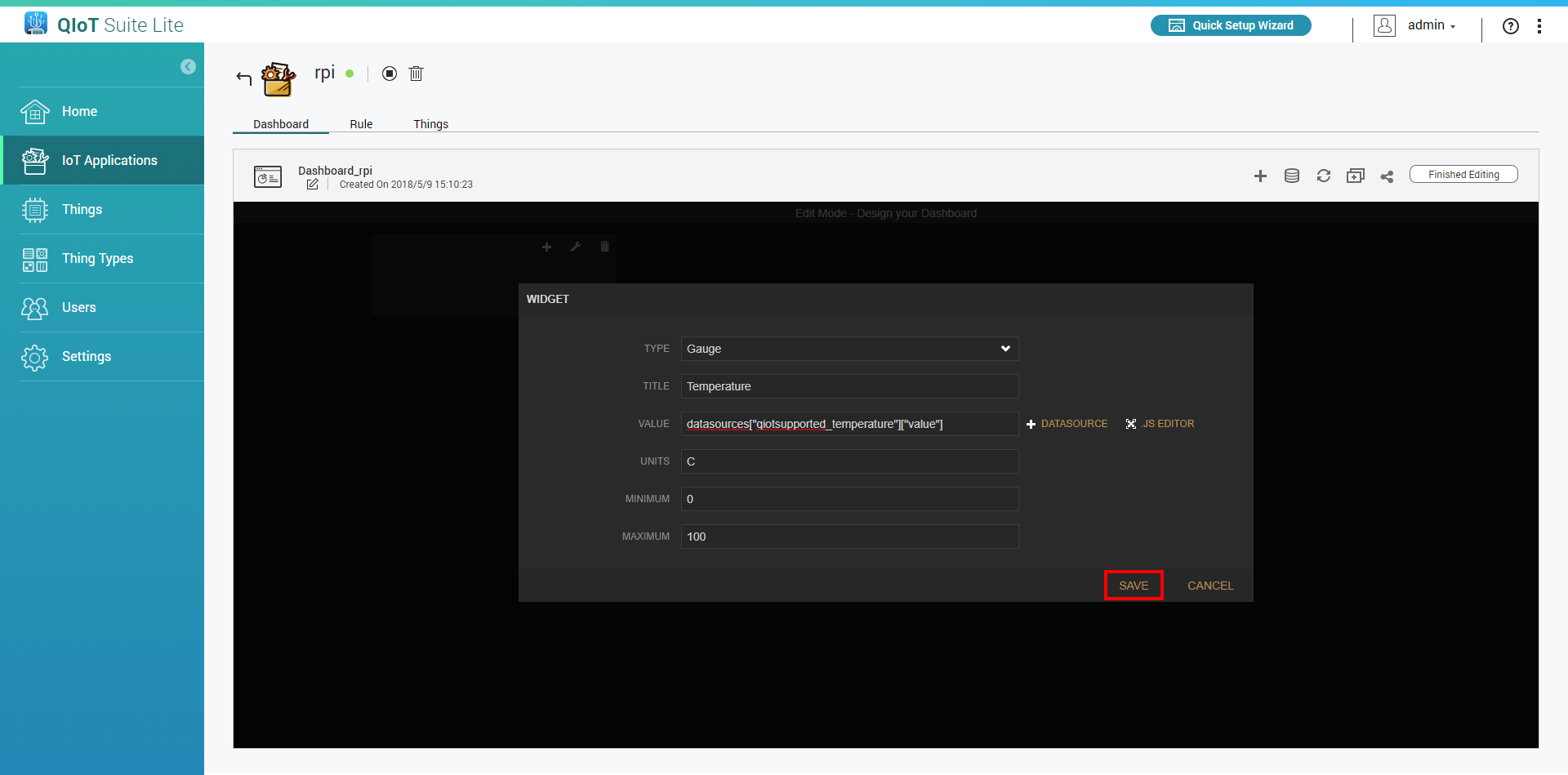
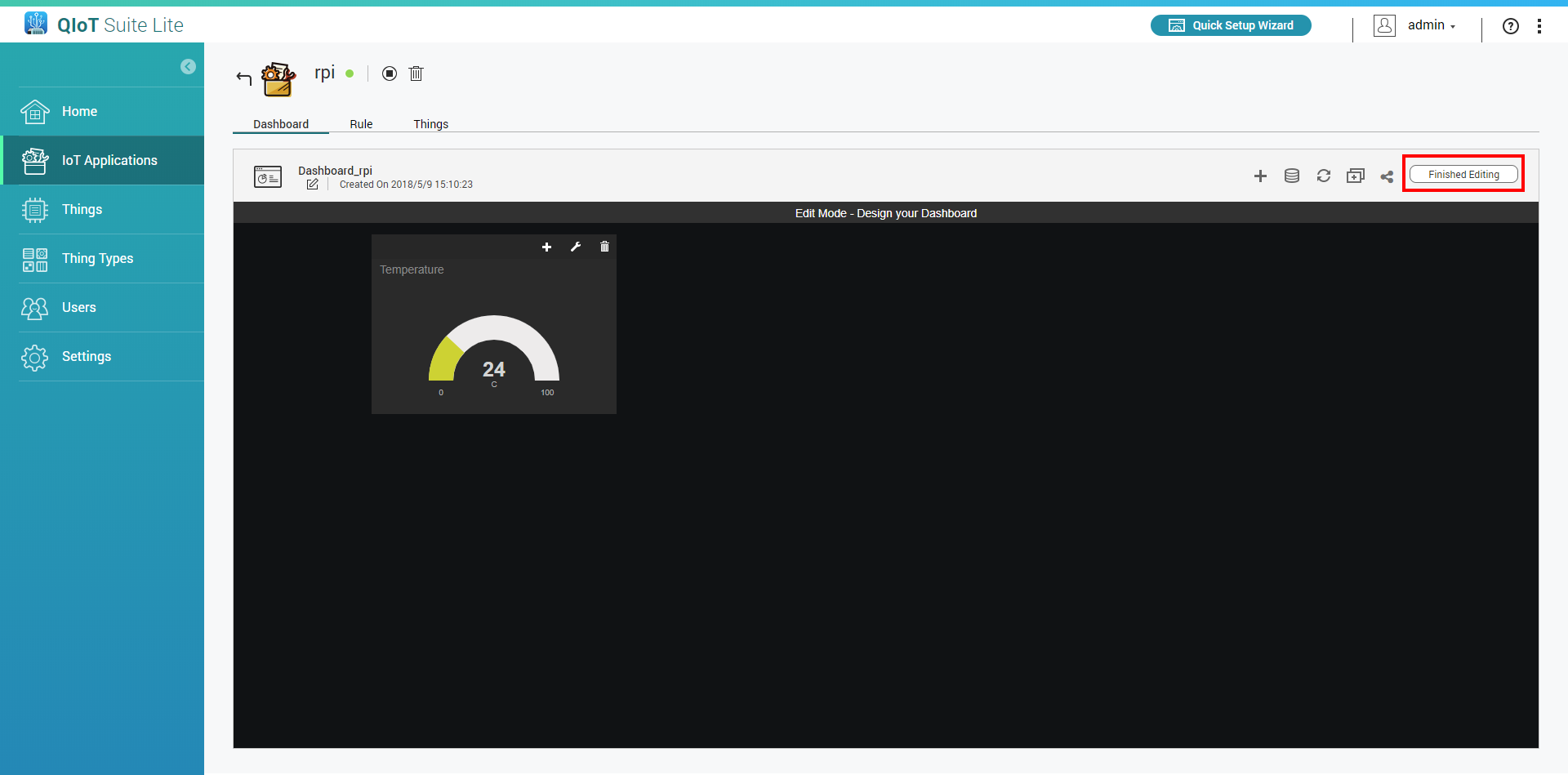
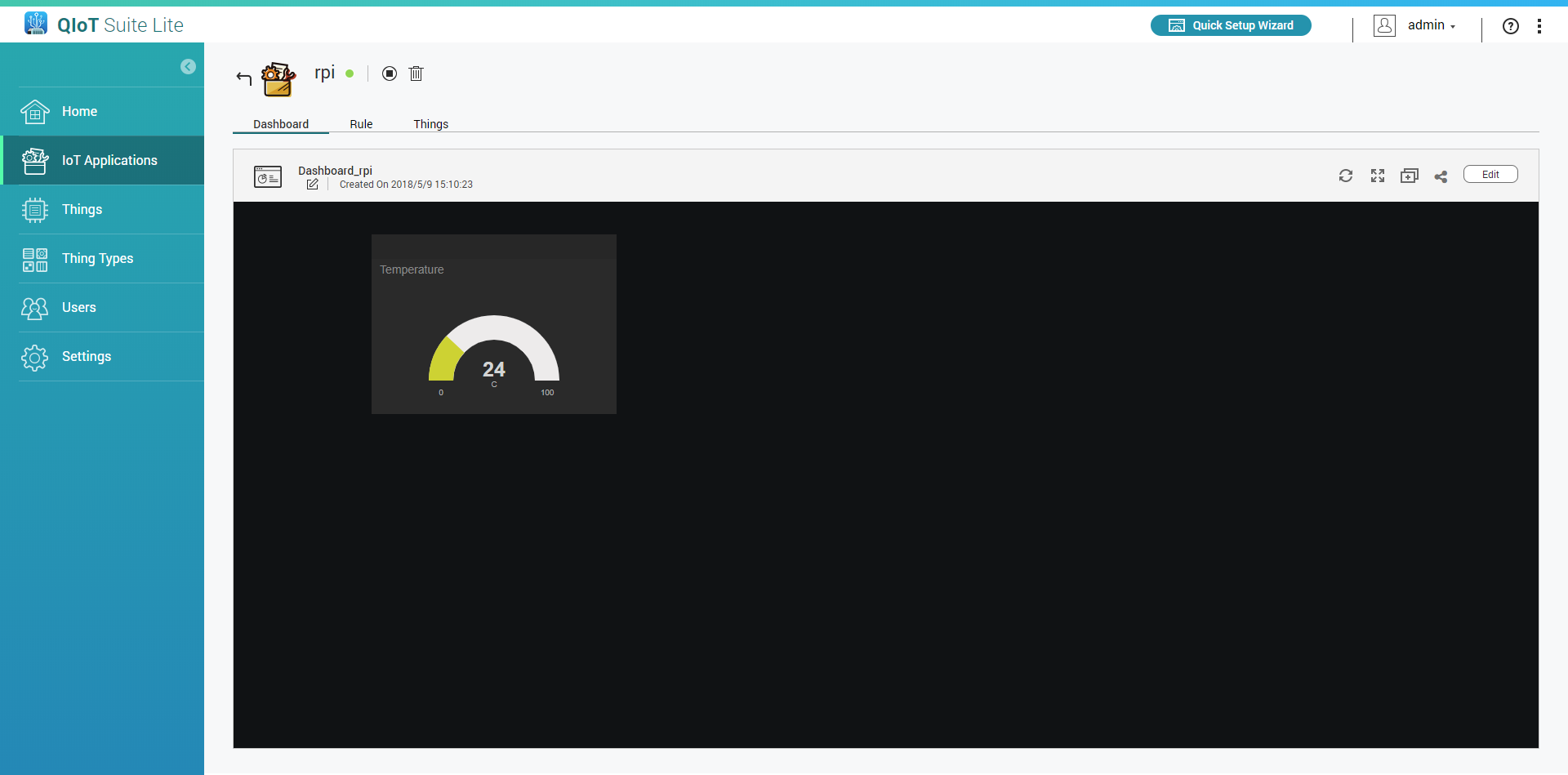
Click "Finished Editing"
Method 2: Importing data from rule engine
In the Rule Engine:
- Go to the rule engine
- Add a QBroker node and double click to edit setting
Choose "Custom topic" and enter your self-defined name in the "Topic" field (e.g., dashboard)(Note: If you use the same topic name in another IoT application then it will receive the same data)
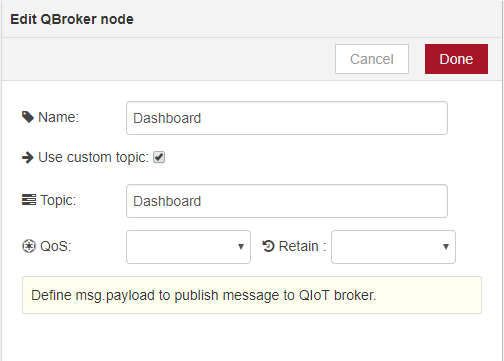
Click "Done" and connect the data to output to this QBroker
- Click "Save"
In the Dashbaord:
- Go to the dashboard
Click "Edit"
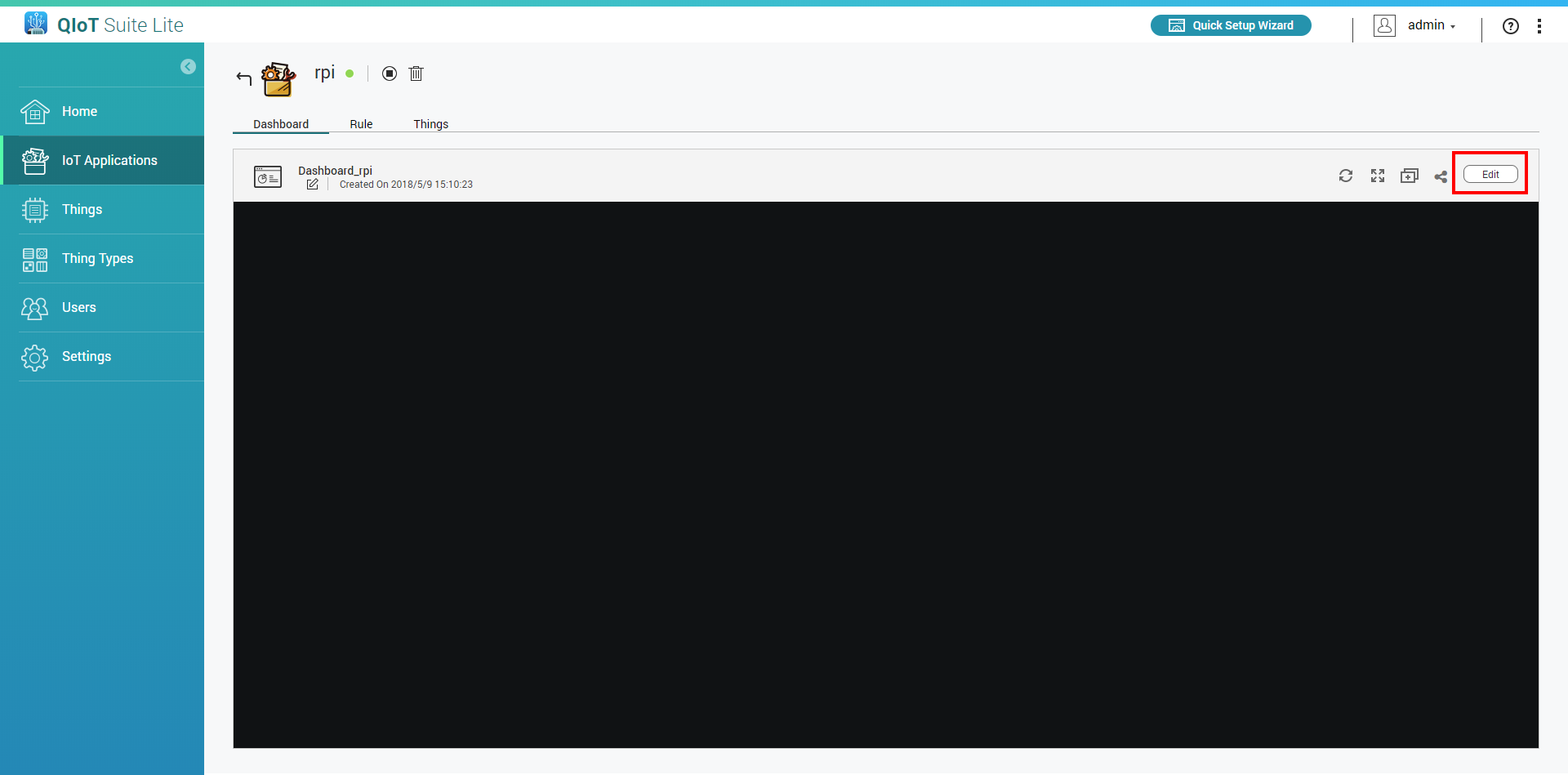
Add a new pane
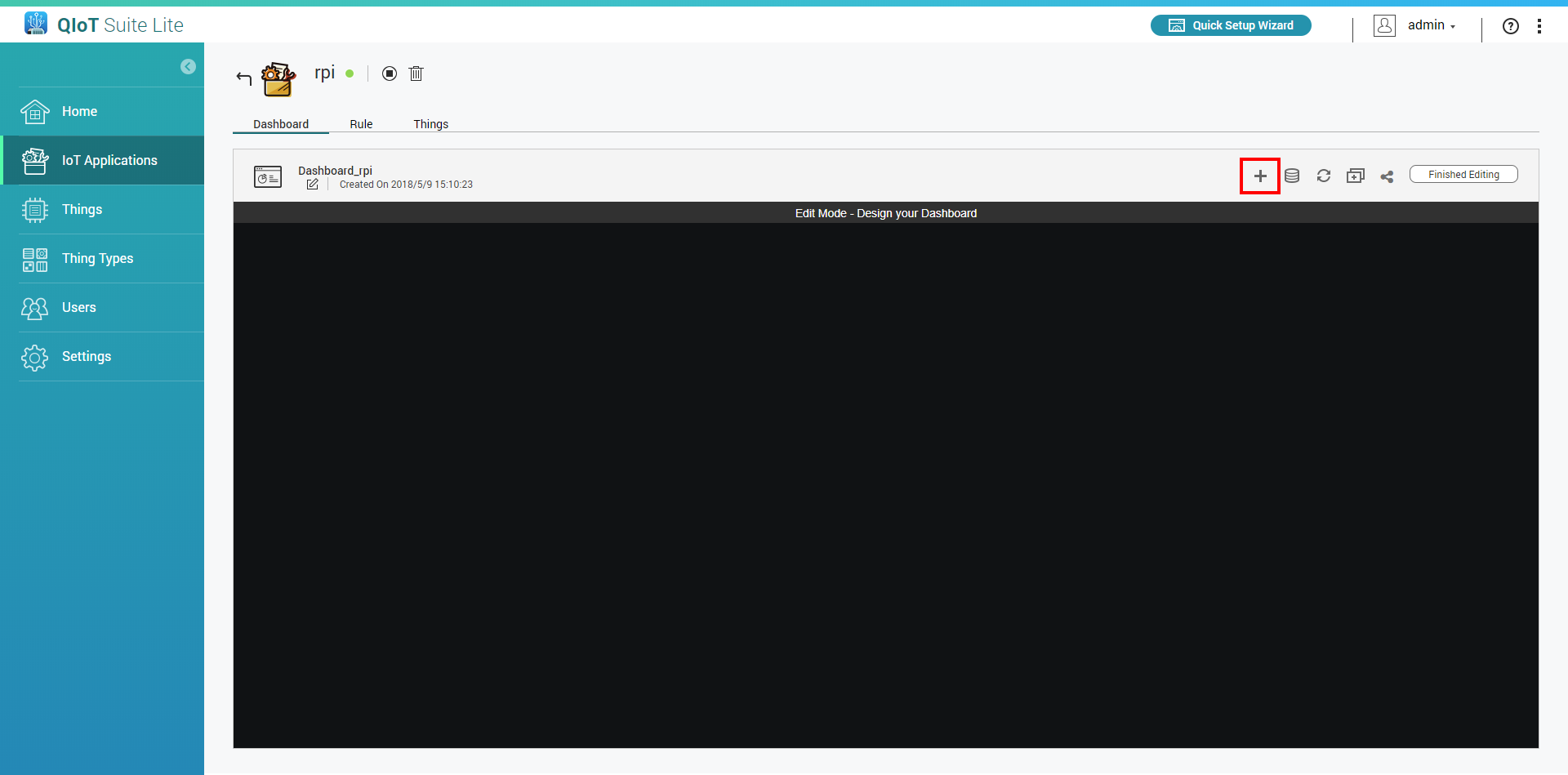
Click
 and select the widget type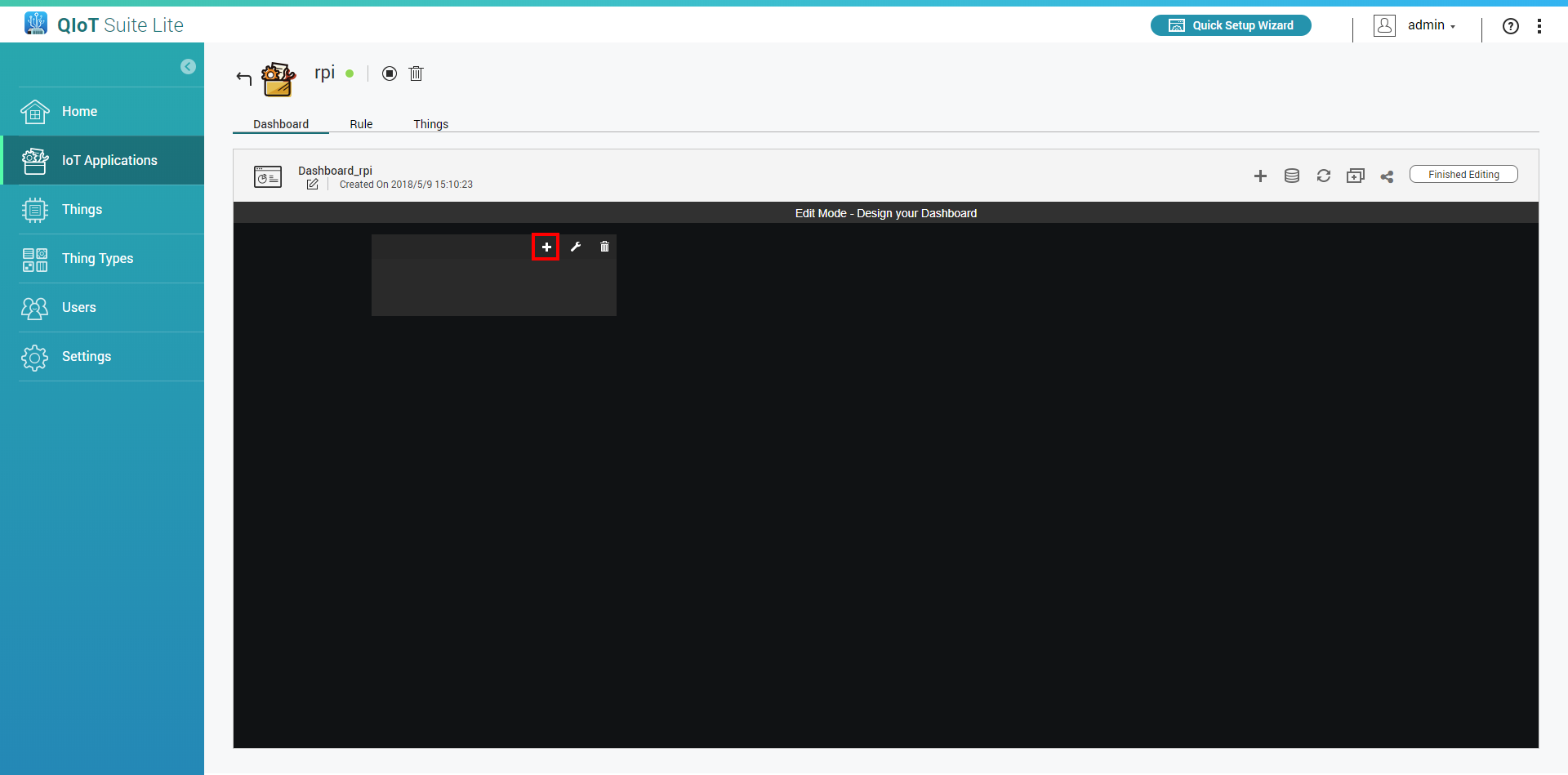
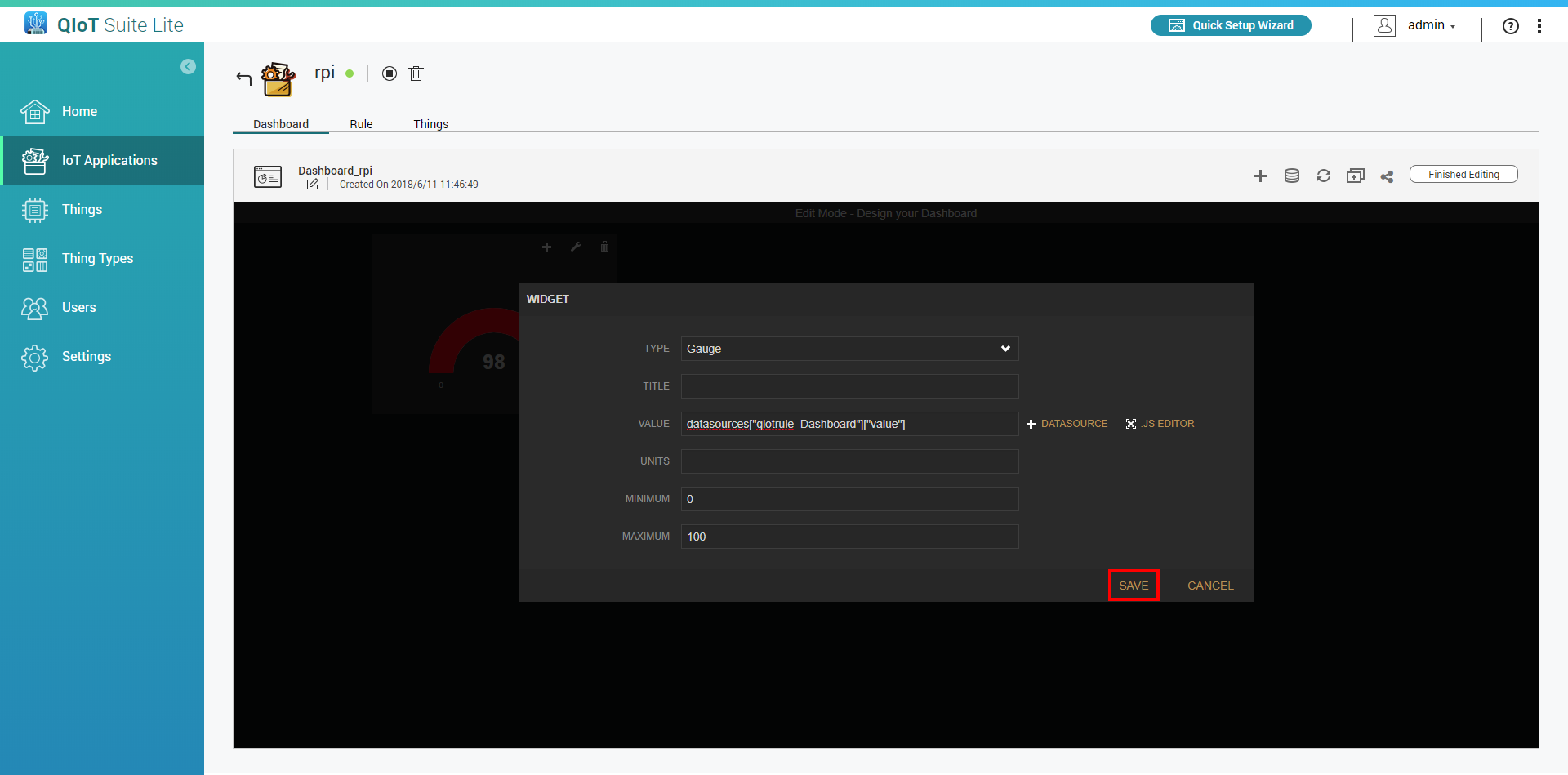
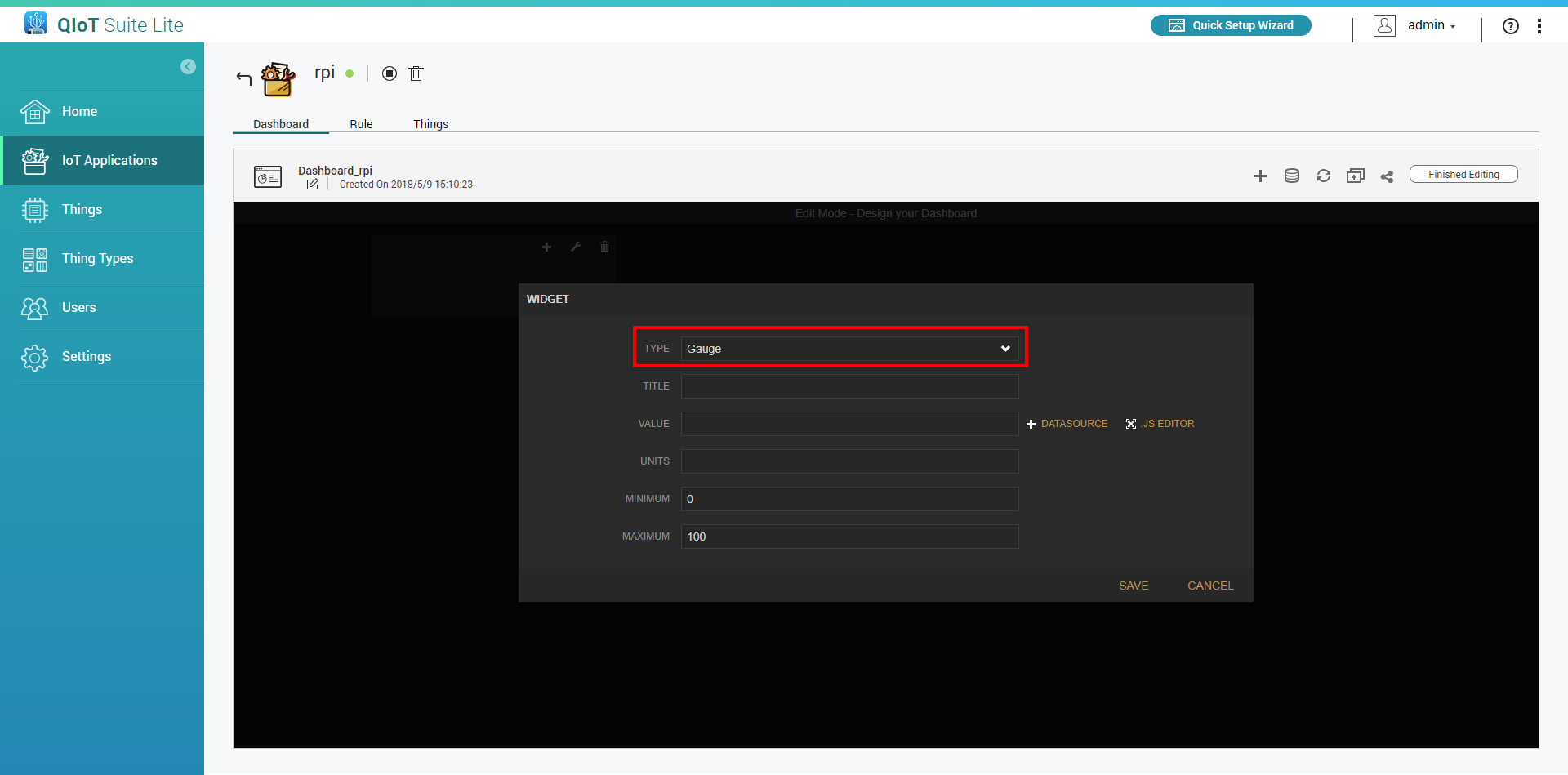 Enter information. In "Value", choose your self-defined name (e.g., qiotrule_dashboard)
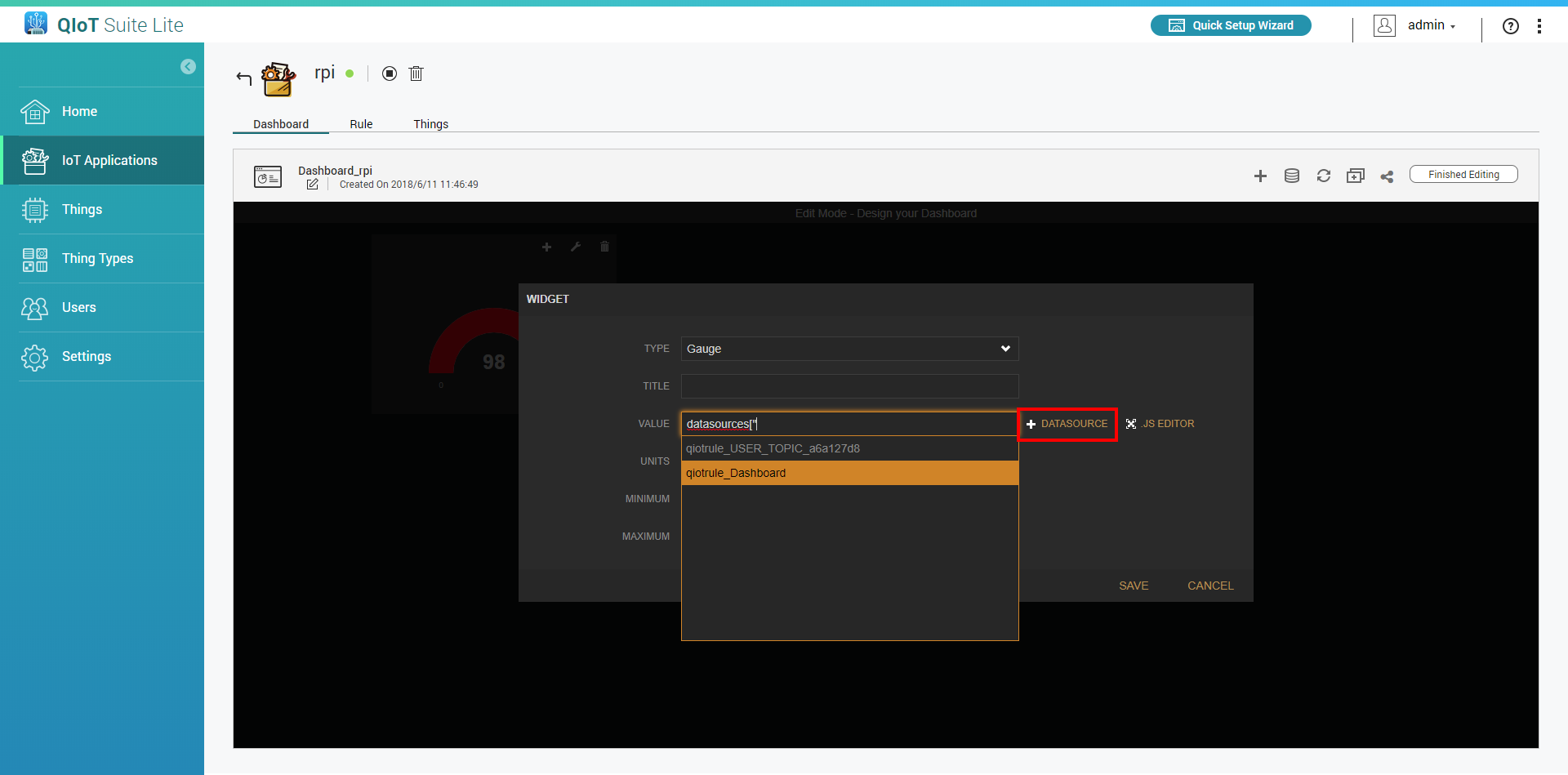
Click "Save"
Click "Finished Editing"